
VideoAI
VideoAI es una herramienta de inteligencia artificial de primer nivel diseñada para optimizar tareas de Video Generators.
Categorías relacionadas
Lecturas relevantes
Herramientas de IA relacionadas
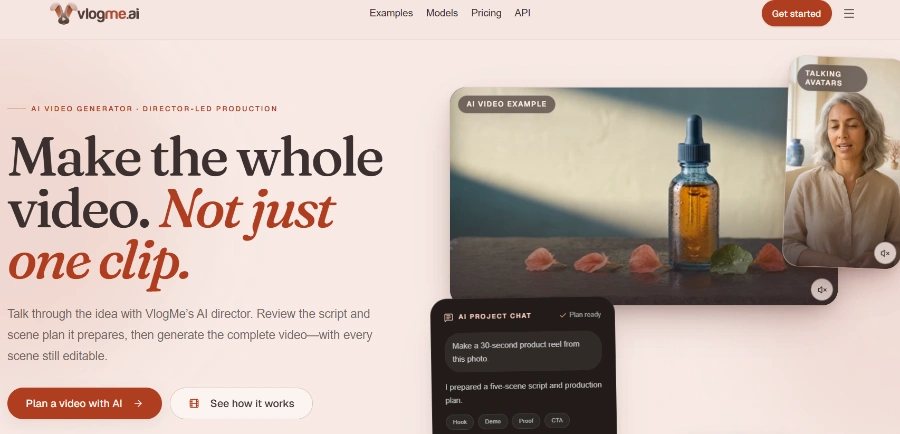
VlogMe AI
VlogMe AI is an AI video generator with an AI Director, planning and creating complete videos using multiple advanced AI models for diverse tasks.
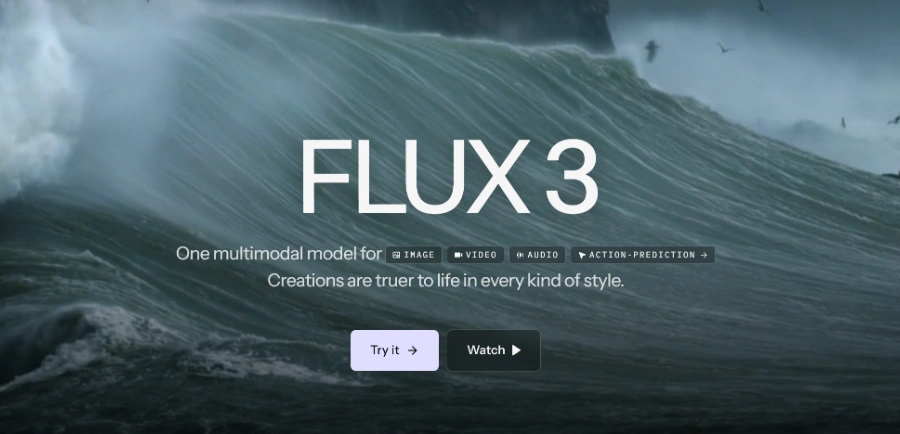
FLUX 3
FLUX 3 is a multimodal foundation model for video, image, and audio generation, offering action prediction and real-world visual intelligence.

LTX 2.5
LTX 2.5 is an all-in-one creative studio for AI video production, designed for creative teams, marketers, and filmmakers.
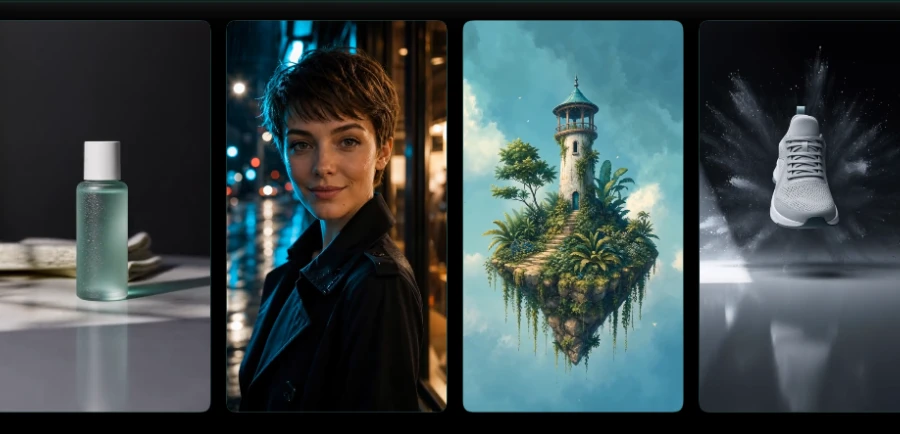
Motiofy
Motiofy is an AI video generator that transforms still images into dynamic video clips for product listings, ads, and social media.
Heyo
Heyo is an AI video maker that adds fun effects to photos, turning them into animated videos for social sharing.
Revid
Revid is an online AI video generator that transforms ideas, text, images, or references into high-quality videos for various content creation needs.
Freebeat AI Mobile
AI-powered mobile video generator for creating stunning visuals with a few taps.
Stivio ai
Stivio ai is an online AI video generator that animates photos into HD MP4 clips using text prompts for motion.
Generate videos by typing a text description, with the option to choose from leading AI models like Kling, Wan, Seedance, or Veo to achieve a desired visual style.
Transform still images (photos or AI-generated) into dynamic video clips where motion responds to the image content and user prompt, powered by models like Wan and Kling.
Seamlessly extend AI-generated video clips to continue scenes smoothly and consistently, preventing abrupt cuts.
Generate custom AI-powered soundtracks for videos by selecting a mood, genre, or scene, suitable for intros, ads, social clips, and cinematic videos.
Allows users to specify camera direction, speed, and subject behavior before generation, ensuring the AI output aligns with the intended motion.
Enhance the resolution of source images before they are used in video generation, leading to sharper detail in the final AI video.
Provides access to a range of specialized AI models, including Kling (for consistency over longer durations), Seedance (for multiple subjects/angles/audio sync), Veo (for cinematic output), Wan (for image-to-video), Nano Banana (for specific image adjustments), and Flux (for visual consistency with reference images).
Información detallada de precios
- Offers a truly free plan with core AI video generation and image-to-video tools, requiring no credit card or time limits.
- Provides access to multiple leading and specialized AI video generation models (Kling, Wan, Seedance, Veo) and image models (Nano Banana, Flux).
- Designed for ease of use, allowing users without prior video editing experience to create polished videos through a chat-based interface.
- Offers a comprehensive set of features including text-to-video, image-to-video, video extension, AI music generation, and advanced motion control.
- Models like Kling are specifically designed to maintain subject consistency and smooth motion over longer video durations.
- All plans, including the free and paid tiers, operate on a credit-based system, which can limit extensive usage.
- Higher resolution exports and access to some advanced models are restricted to paid plans.
Is VideoAI actually free to use?
How does image to video AI actually work?
Which AI video generation models does VideoAI include?
Do I need video editing experience to use VideoAI?
Categorías Principales
Temas Relacionados
Escribir una reseña
Comentarios de la comunidad (0)
¿Listo para probar VideoAI?
VlogMe AI
VlogMe AI is an AI video generator with an AI Director, planning and creating complete videos using multiple advanced AI models for diverse tasks.
FLUX 3
FLUX 3 is a multimodal foundation model for video, image, and audio generation, offering action prediction and real-world visual intelligence.
LTX 2.5
LTX 2.5 is an all-in-one creative studio for AI video production, designed for creative teams, marketers, and filmmakers.
Motiofy
Motiofy is an AI video generator that transforms still images into dynamic video clips for product listings, ads, and social media.
Heyo
Heyo is an AI video maker that adds fun effects to photos, turning them into animated videos for social sharing.
Revid
Revid is an online AI video generator that transforms ideas, text, images, or references into high-quality videos for various content creation needs.
Freebeat AI Mobile
AI-powered mobile video generator for creating stunning visuals with a few taps.
Stivio ai
Stivio ai is an online AI video generator that animates photos into HD MP4 clips using text prompts for motion.