

Live3D AI Face Swap
Live3D AI Face Swap est un outil d'intelligence artificielle de premier ordre conçu pour optimiser les tâches de Face Swap & DeepFake.
Catégories associées
Lectures pertinentes
Outils d'IA associés
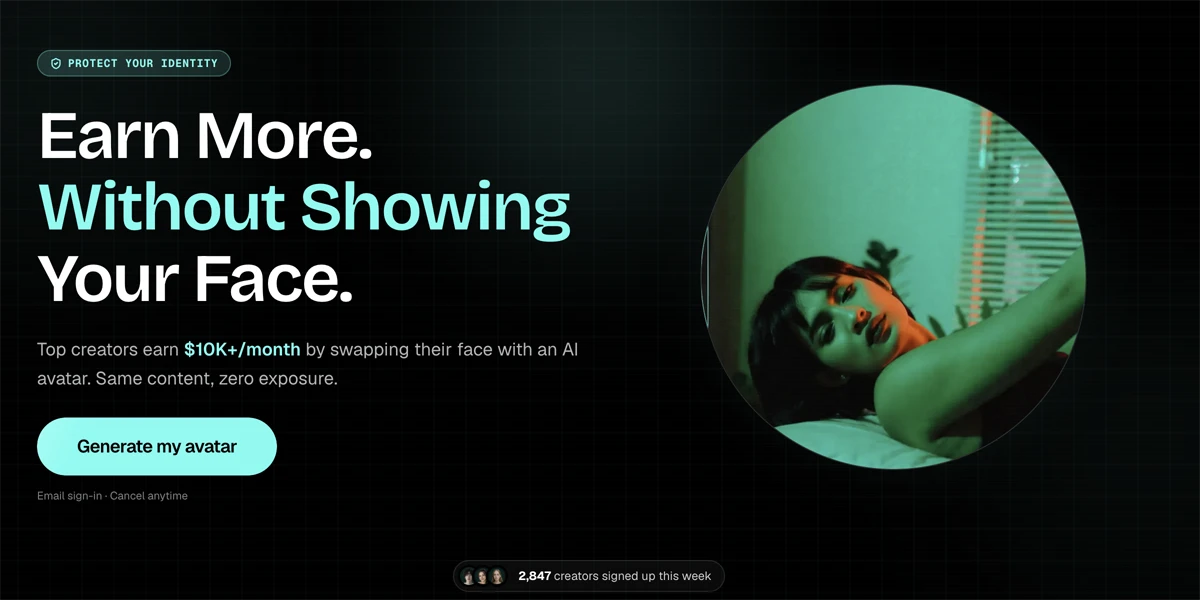
Manyface
Manyface is an AI tool for generating face swaps and anonymous avatars to protect identity in digital content.

Face AI
Face AI offers AI image, video, character, and face swap tools for creative visual content creation.

Live Swap
Real-time AI face swap engine for webcams and streaming, compatible with OBS, Streamlabs, Twitch, YouTube, and Zoom.

DeepSwapFace
AI-powered online platform for free face and body swapping in photos, videos, and GIFs, with no sign-up required.

Nano Banana 2
Nano Banana 2 is an AI image generation model available through Deevid.ai, offering text-to-image, image-to-image, and comprehensive editing functionalities.

Weshop AI
Weshop AI is an AI image and video generator offering various models for e-commerce, design, and marketing content creation.

Airbrush
Airbrush is an AI image editing tool that removes and changes photo backgrounds for personal and professional use.
Allows users to swap faces in static image files (PNG, JPG, JPEG, WEBP) with a maximum size of 20MB.
Enables swapping faces in video clips, accurately detecting facial features and preserving details. Videos are limited to a maximum length of 10 seconds.
Facilitates the creation of personalized GIF memes by merging user faces into hilarious GIFs.
Allows users to swap faces for multiple individuals within a single group photo, ideal for enhancing group pictures.
Users can access and utilize the face swap functionalities without the need to register an account.
The tool ensures that the original resolution of the uploaded image is maintained after the face swap process, preserving image quality.
Utilizes advanced face swap technology to seamlessly merge faces in seconds, delivering impressive and eye-catching results.
Informations détaillées sur la tarification
- Completely free for unlimited photo face swaps.
- No sign-up or registration is required to use the tool.
- Supports face swapping across various media types: photos, GIFs, and videos.
- User-friendly interface makes it easy to use without special skills.
- Capable of swapping multiple faces within a single group photo.
- Preserves the original resolution of the output image, maintaining quality.
- Video face swaps are limited to 3 free uses per day.
- Maximum video length for face swapping is restricted to 10 seconds.
- Results may be less optimal if there are significant differences in face shape between the source and target.
- Requires clear, frontal source images for the best face swap results.
Is the Live3D AI face swap free to use?
Is there a limit to the number of free photo face swaps?
Is there a limit to the number of face swaps for video face swap?
What is the maximum video length I can upload for video face swap?
How can I achieve the best face swap results?
Will the resolution of the image change after using AI face swap?
Catégories Principales
Sujets Connexes
Écrire un avis
Avis de la communauté (0)
Prêt à essayer Live3D AI Face Swap ?
Manyface
Manyface is an AI tool for generating face swaps and anonymous avatars to protect identity in digital content.
Face AI
Face AI offers AI image, video, character, and face swap tools for creative visual content creation.
Live Swap
Real-time AI face swap engine for webcams and streaming, compatible with OBS, Streamlabs, Twitch, YouTube, and Zoom.
DeepSwapFace
AI-powered online platform for free face and body swapping in photos, videos, and GIFs, with no sign-up required.
Nano Banana 2
Nano Banana 2 is an AI image generation model available through Deevid.ai, offering text-to-image, image-to-image, and comprehensive editing functionalities.