

Ask Maps
Ask Maps è uno strumento di intelligenza artificiale leader progettato per ottimizzare le attività di Life Assistants.
Categorie correlate
Letture pertinenti
Strumenti AI correlati

Wondershare Relumi
AI photo editor for iOS/Android, fixing blinks, restoring old photos, animating portraits, and enhancing images with text-to-edit features.
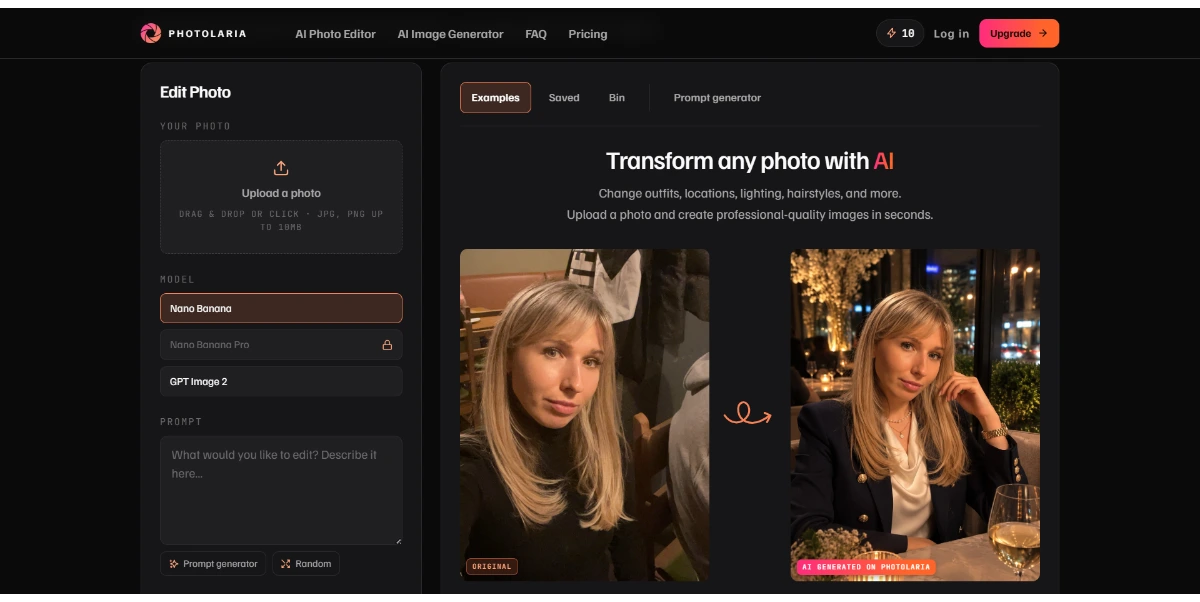
Photolaria
Photolaria is a free online AI photo editor that allows users to retouch, enhance, and restyle images using text prompts.
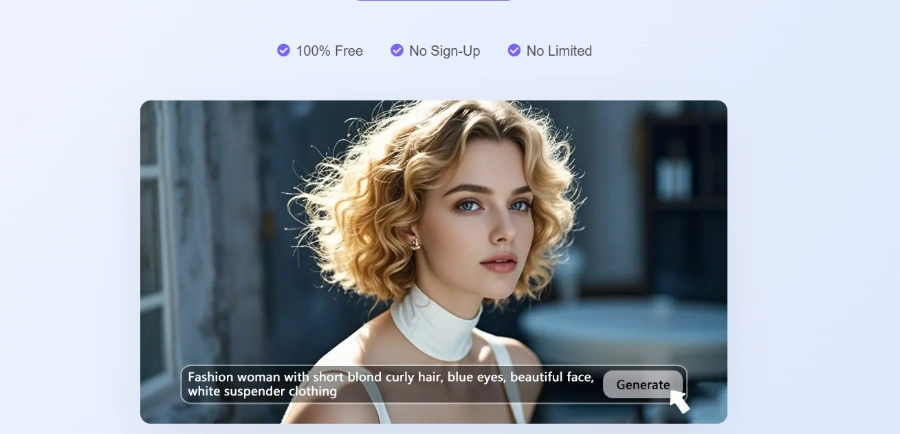
Visro AI
Free online AI platform for image and video creation, offering face swaps, art generation, and photo editing.

AI Clothes Swap
AI Clothes Swap is a free AI clothes changer and virtual try-on studio for stylists, e-commerce, and social creators.

iLikeIMG
iLikeIMG offers 90+ free AI tools online for photo and video editing, enhancement, and generation without installation.
SYiGO
SYiGO is an AI-powered creative dialogue tool for personal development, self-reflection, and mindful decision-making for individuals and teams.
Qwen3.8-Max
Qwen is a family of generalist AI models, including LLMs and multimodal capabilities, developed by the Qwen Team.
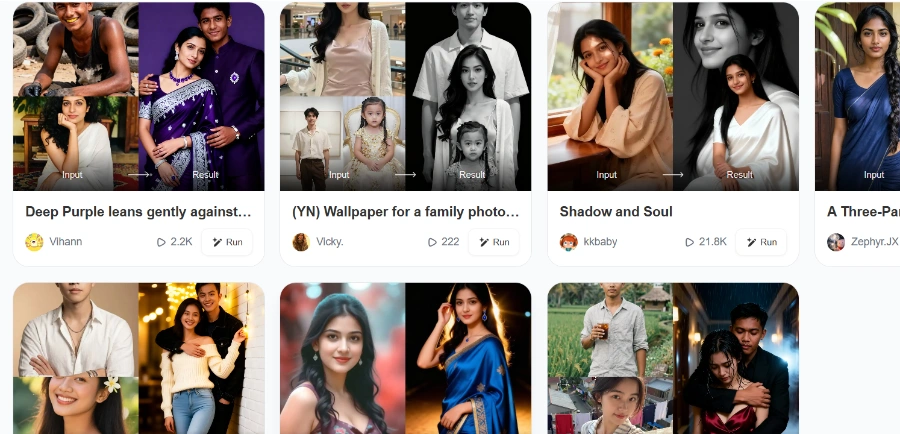
Beatmo
Beatmo is an AI tool that transforms still photos into dynamic motion videos, offering photo animation, text-to-visual generation, and image reshaping for creators.
Utilizes AI to create professional-grade passport, visa, and ID photos from user-uploaded selfies, enhancing quality and ensuring compliance.
Automatically detects the face and removes the original photo background, replacing it with a plain white background to meet official requirements.
Automatically crops the uploaded photo to the correct dimensions and size based on selected country or document type, ensuring compliance without manual adjustments.
Offers a selection of multiple print sizes and over 300 styles suitable for various official documents like passports, IDs, and CVs.
Users can access and utilize the passport photo maker without the need to create an account or sign up, streamlining the process.
Advanced technology ensures that generated photos meet all the latest official requirements for acceptance by authorities.
Informazioni dettagliate sui prezzi
- Completely free to use with no hidden costs or subscriptions for passport photo generation and download.
- No sign-up or account creation is required, offering immediate access to the tool.
- Guaranteed compliance with official photo requirements, reducing the risk of rejection.
- Cost-effective solution, saving money compared to traditional photo studios.
- Quick and easy photo creation, generating compliant photos in seconds without editing skills.
- The quality of the generated photo is dependent on the initial clarity and lighting of the uploaded selfie.
- While the tool is free, printing the photo at home or a local printer incurs separate costs, which are not covered by the service.
What is the Free Passport Photo Maker?
How do I use the passport photo maker?
Do I need any special skills to use the AI passport photo maker?
How long does it take to make a passport photo?
Is Supawork AI's free passport photo maker really free?
Do I need to sign up to use this AI passport photo maker?
Categorie Principali
Argomenti Correlati
Scrivi una recensione
Feedback della community (0)
Pronto a provare Ask Maps?
Wondershare Relumi
AI photo editor for iOS/Android, fixing blinks, restoring old photos, animating portraits, and enhancing images with text-to-edit features.
Photolaria
Photolaria is a free online AI photo editor that allows users to retouch, enhance, and restyle images using text prompts.
Visro AI
Free online AI platform for image and video creation, offering face swaps, art generation, and photo editing.
AI Clothes Swap
AI Clothes Swap is a free AI clothes changer and virtual try-on studio for stylists, e-commerce, and social creators.
iLikeIMG
iLikeIMG offers 90+ free AI tools online for photo and video editing, enhancement, and generation without installation.
SYiGO
SYiGO is an AI-powered creative dialogue tool for personal development, self-reflection, and mindful decision-making for individuals and teams.
Qwen3.8-Max
Qwen is a family of generalist AI models, including LLMs and multimodal capabilities, developed by the Qwen Team.
Beatmo
Beatmo is an AI tool that transforms still photos into dynamic motion videos, offering photo animation, text-to-visual generation, and image reshaping for creators.