
AI Video Editor
AI Video Editorは、Video Editing関連タスクを最適化するために設計された最先端のAIツールです。
関連AIツール

TubeRepeat
TubeRepeat is a free online tool for looping and repeating YouTube video segments with A-B precision and variable speed.

Fetra AI
Fetra AI is an AI creative platform for generating videos and images, featuring conversational AI Director, multiple leading AI models, and voice cloning.
Wistia Remix
AI-powered video editor that transforms raw footage into polished, multi-source videos through conversational commands.

VidTranslate
AI-powered tool for easy video translation, subtitling, and dubbing in over 100 languages for global audiences.
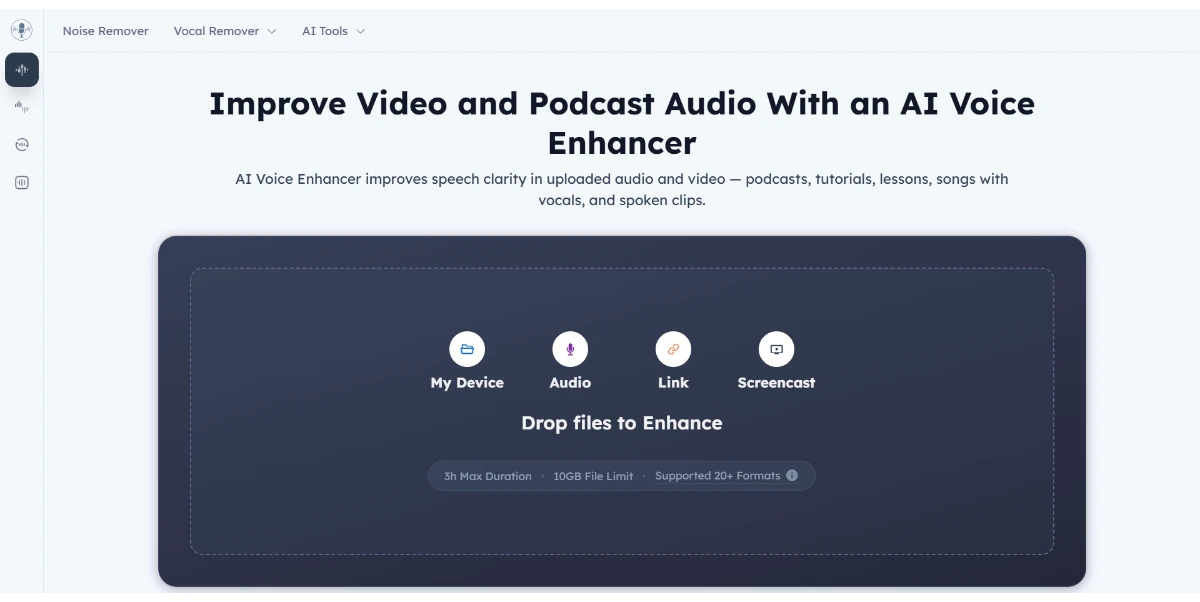
AI Voice Enhancer
AI Voice Enhancer improves speech clarity in audio and video files, offering free online enhancement without login.

iLikeIMG
iLikeIMG offers 90+ free AI tools online for photo and video editing, enhancement, and generation without installation.

Music Remover
AI-powered tool to remove background music from audio and video, separating vocals, music, and other sounds.
LTX 2.5
LTX 2.5 is an all-in-one creative studio for AI video production, designed for creative teams, marketers, and filmmakers.
Edit video clips using natural language prompts to describe desired changes, allowing for precise control over the output while anchoring specific elements like camera motion, lighting, and framing.
Remove unwanted objects, distractions, watermarks, logos, or clean backgrounds from video footage while preserving the original framing, motion, and subject continuity.
Change the color of products within a video clip, ensuring believable lighting and allowing for testing of new SKU directions without the need for reshooting.
Transform the visual style of existing footage into various looks such as cinematic, anime, commercial, or brand-specific aesthetics, while maintaining the core action of the video.
Modify elements within a scene, such as the environment, weather, or character age, using a single natural language sentence.
Access and utilize leading AI image and video models (e.g., Gemini Omni, Veo 3.1, Seedance 2.0, GPT Image 2) within a unified workspace for comprehensive production.
Upload source clips, attach reference images, and reuse library assets to ensure consistency in brand language, lighting, and composition across multiple edits and prompts.
詳細な料金情報
- 自然言語による正確なプロンプトベースのビデオ編集を可能にし、ユーザーが特定の要素を固定しながら的を絞った変更を行えるようにします。
- オブジェクトの削除、製品の再着色、ビジュアルスタイルの変換など、AIを活用した幅広いビデオ修正機能を提供します。
- 高度なAIビデオおよび画像モデルを組み合わせた統合ワークスペースを提供し、多様なクリエイティブおよびマーケティングのニーズに対応するワークフローを効率化します。
- 参照画像やライブラリアセットの使用をサポートし、複数のプロジェクトや編集全体でブランドの一貫性とビジュアル言語を維持します。
- 有料プランには生成された出力の商用利用権が含まれており、プロフェッショナルおよびビジネス用途に適しています。
- クレジットベースのシステムは、使用量がクレジット消費に直接結びつくことを意味し、モデルや設定によって変動するため、予測不可能なコストにつながる可能性があります。
- 生成された出力のオンラインストレージは永続的ではないため、ユーザーはデータを保存するために5日以内にダウンロードする必要があります。
- ビデオ生成および編集機能は、選択されたAIモデルと料金プランに応じて��特定の期間および解像度の制限を受けます。
- 利用可能な公式情報には明示的なAPIドキュメントや開発者ポータルが提供されておらず、外部連携の可能性が制限されています。
クレジットはいつ差し引かれますか?
生成が失敗した場合、クレジットはどうなりますか?
生成された出力を商用利用できますか?
有料出力のオンラインストレージはどのくらい信頼できますか?
満足できない場合、返金を要求できますか?
関連トピック
レビューを書く
コミュニティのフィードバック (0)
AI Video Editorを試してみませんか?
TubeRepeat
TubeRepeat is a free online tool for looping and repeating YouTube video segments with A-B precision and variable speed.
Fetra AI
Fetra AI is an AI creative platform for generating videos and images, featuring conversational AI Director, multiple leading AI models, and voice cloning.
Wistia Remix
AI-powered video editor that transforms raw footage into polished, multi-source videos through conversational commands.
VidTranslate
AI-powered tool for easy video translation, subtitling, and dubbing in over 100 languages for global audiences.
AI Voice Enhancer
AI Voice Enhancer improves speech clarity in audio and video files, offering free online enhancement without login.
iLikeIMG
iLikeIMG offers 90+ free AI tools online for photo and video editing, enhancement, and generation without installation.
Music Remover
AI-powered tool to remove background music from audio and video, separating vocals, music, and other sounds.
LTX 2.5
LTX 2.5 is an all-in-one creative studio for AI video production, designed for creative teams, marketers, and filmmakers.