
Remove Watermarks MarkGone
Remove Watermarks MarkGoneは、Image editing関連タスクを最適化するために設計された最先端のAIツールです。
関連AIツール

Wondershare Relumi
AI photo editor for iOS/Android, fixing blinks, restoring old photos, animating portraits, and enhancing images with text-to-edit features.
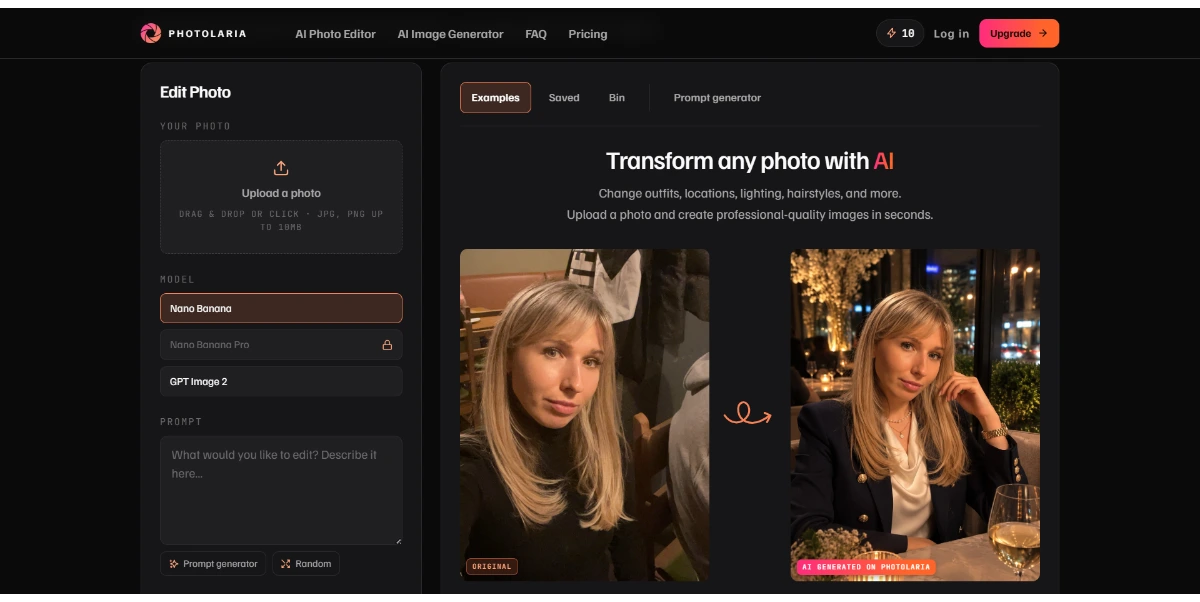
Photolaria
Photolaria is a free online AI photo editor that allows users to retouch, enhance, and restyle images using text prompts.
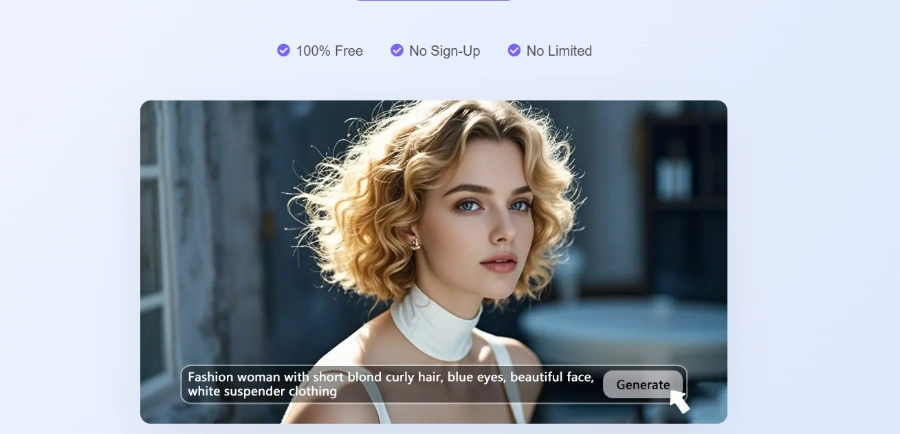
Visro AI
Free online AI platform for image and video creation, offering face swaps, art generation, and photo editing.

AI Clothes Swap
AI Clothes Swap is a free AI clothes changer and virtual try-on studio for stylists, e-commerce, and social creators.

iLikeIMG
iLikeIMG offers 90+ free AI tools online for photo and video editing, enhancement, and generation without installation.

Music Remover
AI-powered tool to remove background music from audio and video, separating vocals, music, and other sounds.
Qwen3.8-Max
Qwen is a family of generalist AI models, including LLMs and multimodal capabilities, developed by the Qwen Team.
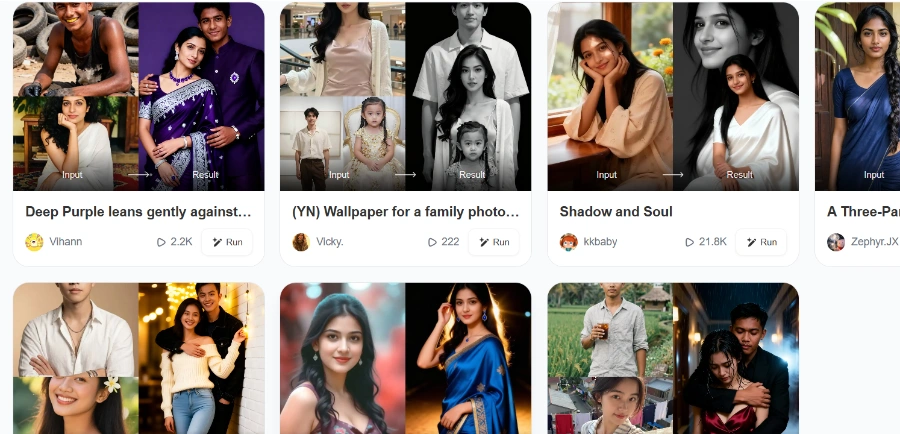
Beatmo
Beatmo is an AI tool that transforms still photos into dynamic motion videos, offering photo animation, text-to-visual generation, and image reshaping for creators.
Automatically removes watermarks, text, and logos from photos with pixel-perfect precision in one click, suitable for cleaning up photos, restoring old images, or preparing visuals.
Quickly removes watermarks from videos without affecting visual clarity or quality, ensuring smooth video watermark removal while keeping every frame crisp and professional.
Capable of removing various types of watermarks, including logos, text, and stamps, from both images and videos effortlessly.
Utilizes AI for automated, one-click processing, eliminating the need for manual editing techniques such as masking, cropping, or frame-by-frame cleanup.
Ensures that the original quality of the media is preserved, maintaining colors, edges, and visual details naturally without visible distortion after watermark removal.
Supports a wide range of common image and video file formats, including MP4, MOV, M4V for videos, and JPG, JPEG, PNG, BMP, WEBP, TIFF, HEIC for images.
Offers an AI-powered tool for enhancing photos, available as part of the MarkGone suite of tools.
Provides an AI-driven tool for enhancing videos, integrated within the MarkGone platform.
詳細な料金情報
- AI-powered automation for effortless and fast watermark removal from both images and videos.
- Preserves the original quality of media, maintaining colors, edges, and visual details without distortion.
- Versatile in removing various types of watermarks, including logos, text, and stamps, from any image or video.
- Offers a user-friendly experience with one-click processing, eliminating the need for complex manual edits.
- Supports a wide array of common image and video file formats.
- Ensures data security for uploaded files through strict processing.
- Free usage is limited daily, requiring users to upgrade or purchase credits for more extensive use.
- Imposes file size and length restrictions for uploads (20MB for images, 300MB/10 minutes for videos).
- Users bear full responsibility for ensuring legal rights to use images/videos and are prohibited from unauthorized removal of copyrighted watermarks.
- Results from generative AI features may vary and are not always fully controllable, potentially leading to inconsistencies or flaws.
How to remove watermark from image?
Can I use MarkGone to remove watermarks from any image?
How to remove text from video?
What formats does RemoveWatermarks support?
Are there any upload limits?
Is RemoveWatermarks free?
What's the difference between the PRO plan and Pay-as-you-go plan?
What are credits?
How many credits are used per generation?
What should I do if I'm not satisfied with the results after using credits?
関連トピック
レビューを書く
コミュニティのフィードバック (0)
Remove Watermarks MarkGoneを試してみませんか?
Wondershare Relumi
AI photo editor for iOS/Android, fixing blinks, restoring old photos, animating portraits, and enhancing images with text-to-edit features.
Photolaria
Photolaria is a free online AI photo editor that allows users to retouch, enhance, and restyle images using text prompts.
Visro AI
Free online AI platform for image and video creation, offering face swaps, art generation, and photo editing.
AI Clothes Swap
AI Clothes Swap is a free AI clothes changer and virtual try-on studio for stylists, e-commerce, and social creators.
iLikeIMG
iLikeIMG offers 90+ free AI tools online for photo and video editing, enhancement, and generation without installation.
Music Remover
AI-powered tool to remove background music from audio and video, separating vocals, music, and other sounds.
Qwen3.8-Max
Qwen is a family of generalist AI models, including LLMs and multimodal capabilities, developed by the Qwen Team.
Beatmo
Beatmo is an AI tool that transforms still photos into dynamic motion videos, offering photo animation, text-to-visual generation, and image reshaping for creators.