
AI Video Editor
AI Video Editor is a prompt-based tool for editing video clips with AI, offering features like object removal, product recoloring, and visual style changes.
Related Categories
Relevant Reads
Related AI Tools

TubeRepeat
TubeRepeat is a free online tool for looping and repeating YouTube video segments with A-B precision and variable speed.

Fetra AI
Fetra AI is an AI creative platform for generating videos and images, featuring conversational AI Director, multiple leading AI models, and voice cloning.
Wistia Remix
AI-powered video editor that transforms raw footage into polished, multi-source videos through conversational commands.

VidTranslate
AI-powered tool for easy video translation, subtitling, and dubbing in over 100 languages for global audiences.
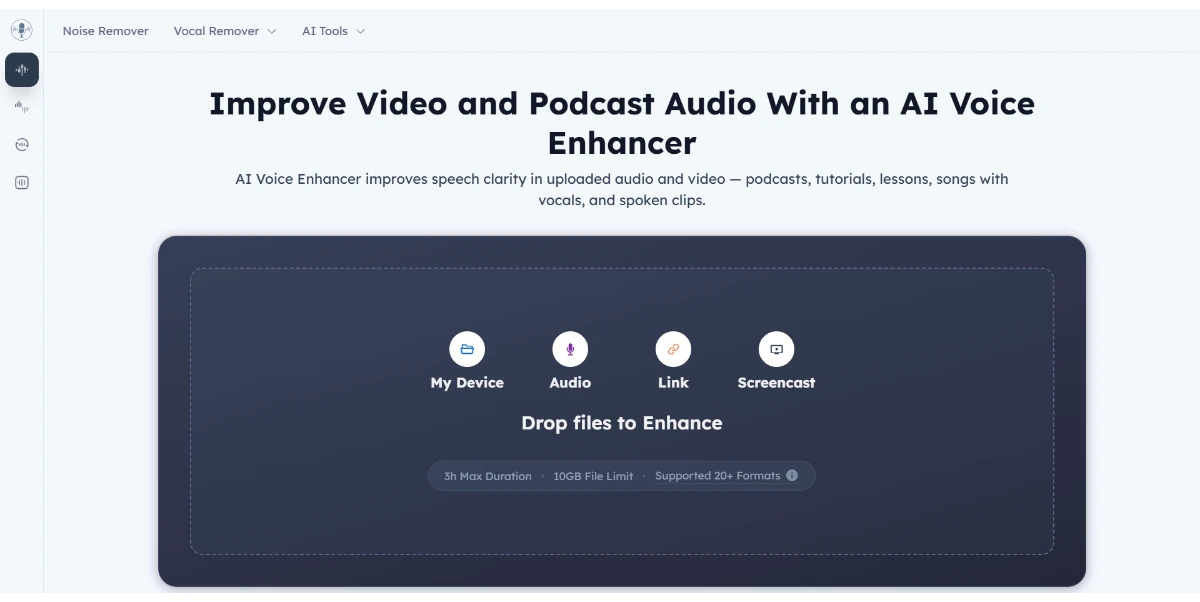
AI Voice Enhancer
AI Voice Enhancer improves speech clarity in audio and video files, offering free online enhancement without login.

iLikeIMG
iLikeIMG offers 90+ free AI tools online for photo and video editing, enhancement, and generation without installation.

Music Remover
AI-powered tool to remove background music from audio and video, separating vocals, music, and other sounds.
LTX 2.5
LTX 2.5 is an all-in-one creative studio for AI video production, designed for creative teams, marketers, and filmmakers.
Edit video clips using natural language prompts to describe desired changes, allowing for precise control over the output while anchoring specific elements like camera motion, lighting, and framing.
Remove unwanted objects, distractions, watermarks, logos, or clean backgrounds from video footage while preserving the original framing, motion, and subject continuity.
Change the color of products within a video clip, ensuring believable lighting and allowing for testing of new SKU directions without the need for reshooting.
Transform the visual style of existing footage into various looks such as cinematic, anime, commercial, or brand-specific aesthetics, while maintaining the core action of the video.
Modify elements within a scene, such as the environment, weather, or character age, using a single natural language sentence.
Access and utilize leading AI image and video models (e.g., Gemini Omni, Veo 3.1, Seedance 2.0, GPT Image 2) within a unified workspace for comprehensive production.
Upload source clips, attach reference images, and reuse library assets to ensure consistency in brand language, lighting, and composition across multiple edits and prompts.
Detailed Pricing Info
- Enables precise, prompt-based video editing with natural language, allowing users to anchor specific elements while making targeted changes.
- Offers a wide range of AI-powered video modification capabilities, including object removal, product recoloring, and visual style transformations.
- Provides an integrated workspace that combines advanced AI video and image models, streamlining workflows for diverse creative and marketing needs.
- Supports the use of reference images and library assets to maintain brand consistency and visual language across multiple projects and edits.
- Paid plans include commercial usage rights for generated outputs, making it suitable for professional and business applications.
- The credit-based system means usage is directly tied to credit consumption, which can vary based on model and settings, potentially leading to unpredictable costs.
- Online storage for generated outputs is not permanent, requiring users to download their data within 5 days to ensure preservation.
- Video generation and editing capabilities are subject to specific duration and resolution limits depending on the chosen AI model and pricing plan.
- No explicit API documentation or developer portal is provided in the available official context, limiting potential for external integrations.
When are credits deducted?
What happens to credits if a generation fails?
Can I use generated outputs commercially?
How long should I rely on online storage for paid outputs?
Can I request a refund if I am not satisfied?
Main Categories
Related Topics
Write a Review
Community Feedback (0)
Ready to try AI Video Editor?
TubeRepeat
TubeRepeat is a free online tool for looping and repeating YouTube video segments with A-B precision and variable speed.
Fetra AI
Fetra AI is an AI creative platform for generating videos and images, featuring conversational AI Director, multiple leading AI models, and voice cloning.
Wistia Remix
AI-powered video editor that transforms raw footage into polished, multi-source videos through conversational commands.
VidTranslate
AI-powered tool for easy video translation, subtitling, and dubbing in over 100 languages for global audiences.
AI Voice Enhancer
AI Voice Enhancer improves speech clarity in audio and video files, offering free online enhancement without login.
iLikeIMG
iLikeIMG offers 90+ free AI tools online for photo and video editing, enhancement, and generation without installation.
Music Remover
AI-powered tool to remove background music from audio and video, separating vocals, music, and other sounds.
LTX 2.5
LTX 2.5 is an all-in-one creative studio for AI video production, designed for creative teams, marketers, and filmmakers.