

GLM-OCR
AI-powered tool for generating highly accurate, animated subtitles and captions for videos, supporting over 100 languages.
Related Categories
Relevant Reads
Related AI Tools

SpotScribe
SpotScribe is an AI transcriber that extracts Spotify podcast transcripts, generates AI summaries, and enables interactive chat for learners and professionals.
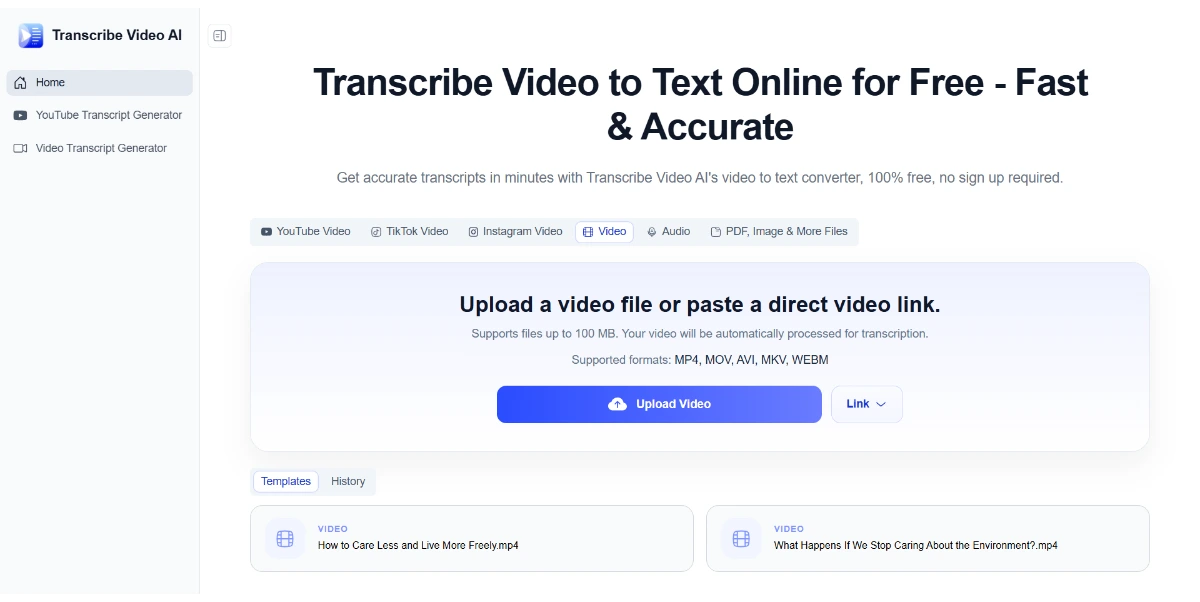
Transcribe Video AI
Free AI tool to convert video to text, generate subtitles, and summarize content online.

PodcastorAI
PodcastorAI is an AI podcast generator that transforms various content into audio and video podcasts with AI hosts for creators and marketers.

Audio Transcriber AI
Free online AI tool to transcribe audio to text in multiple languages without sign-up.

VoiceAppear
VoiceAppear is a speech-to-text dictation desktop app for Windows and Mac, offering 99%+ accuracy across 90+ languages.

Mumble AI
Mumble AI offers voice notes, meeting summaries, and private on-device dictation for Mac users.

AI Video Summarizer
AI Video Summarizer is a free online tool that converts videos into text summaries, transcripts, and mind maps.

Saveto AI
Saveto AI is a free AI summarizer and transcriber for video, audio, and documents, supporting over 200 languages.
Automatically detects and transcribes video audio into highly accurate subtitles, saving hours of manual work.
Translates generated subtitles into over 100 languages with a single click, expanding content reach to a global audience.
Offers a variety of professional animation styles, fonts, and colors to create dynamic and engaging subtitles that match brand aesthetics.
Quickly adjusts video aspect ratios to perfectly fit platforms like TikTok, Instagram Reels, and YouTube Shorts, maintaining visual quality.
Allows downloading subtitles in popular formats such as SRT and TXT for maximum compatibility and flexibility.
Provides an online editor to review and make minor edits to the auto-generated transcript, ensuring 100% accuracy.
Users can generate subtitles by pasting video links from platforms like YouTube, Vimeo, TikTok, or by uploading local video files.
Offers a suite of APIs for integrating AI-powered video workflows, including transcription, clipping, summarization, and animated caption generation.
Detailed Pricing Info
- Generates highly accurate transcriptions, claiming 99% accuracy for clear audio.
- Offers a free online plan with 100 credits to start, making it accessible for initial use.
- Supports translation of subtitles into over 100 languages, facilitating global content reach.
- Provides a variety of animated and customizable caption styles to enhance visual engagement.
- Offers blazing-fast processing speed, significantly reducing manual transcription time.
- Works entirely online in a browser, requiring no software installation.
- Accuracy may vary for unclear audio, as high accuracy is specified for 'clear audio'.
- The free plan has a limitation of 100 credits, which may be insufficient for extensive use.
- Unused credits from monthly subscriptions do not roll over to the next billing period.
- Payments for subscriptions are nonrefundable, limiting flexibility for users who cancel.
How can I automatically add subtitles to a video?
Can I generate subtitles for free?
How accurate are the auto-generated subtitles?
Do unused credits roll over to the next month?
Main Categories
Related Topics
Write a Review
Community Feedback (0)
Ready to try GLM-OCR?
SpotScribe
SpotScribe is an AI transcriber that extracts Spotify podcast transcripts, generates AI summaries, and enables interactive chat for learners and professionals.
Transcribe Video AI
Free AI tool to convert video to text, generate subtitles, and summarize content online.
PodcastorAI
PodcastorAI is an AI podcast generator that transforms various content into audio and video podcasts with AI hosts for creators and marketers.
Audio Transcriber AI
Free online AI tool to transcribe audio to text in multiple languages without sign-up.
VoiceAppear
VoiceAppear is a speech-to-text dictation desktop app for Windows and Mac, offering 99%+ accuracy across 90+ languages.
Mumble AI
Mumble AI offers voice notes, meeting summaries, and private on-device dictation for Mac users.
AI Video Summarizer
AI Video Summarizer is a free online tool that converts videos into text summaries, transcripts, and mind maps.
Saveto AI
Saveto AI is a free AI summarizer and transcriber for video, audio, and documents, supporting over 200 languages.