
ChatGPT Translate
BlipCut AI Video Translator uses AI, powered by ChatGPT, to translate videos into over 140 languages with voice cloning and lip-sync.
Relevant Reads
Related AI Tools

GPT for Work
AI agent for Excel and Google Sheets to automate spreadsheet tasks, data cleaning, analysis, formula writing, and content generation.

iLikeIMG
iLikeIMG offers 90+ free AI tools online for photo and video editing, enhancement, and generation without installation.

AI Image Translator
An AI image translator that instantly translates text from images into over 200 languages, offering free, unlimited use without sign-up.
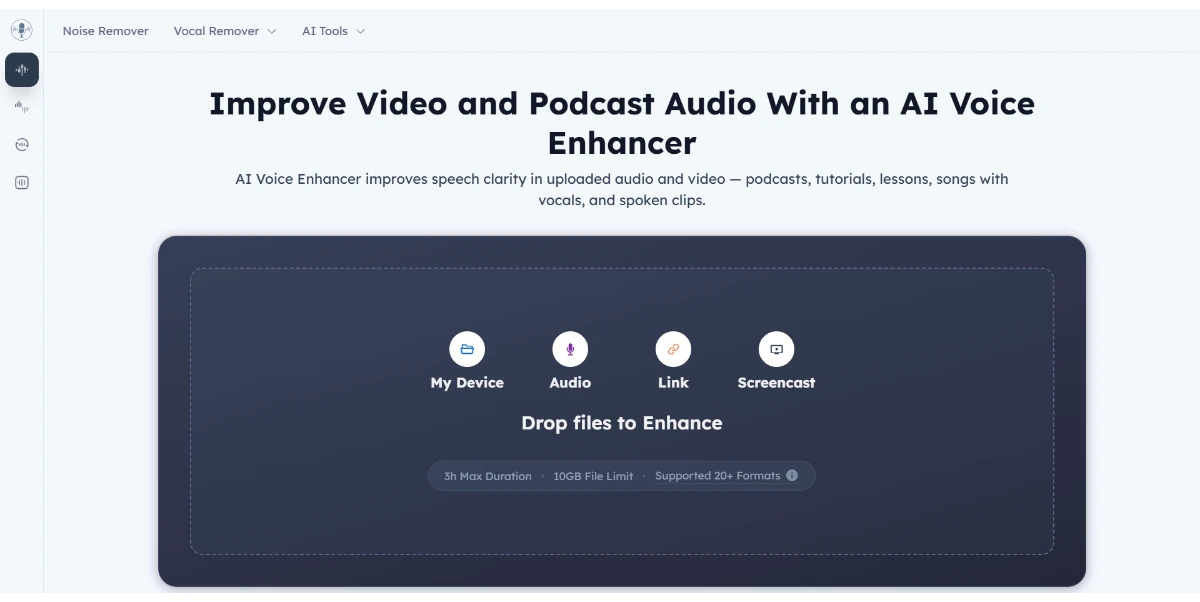
AI Voice Enhancer
AI Voice Enhancer improves speech clarity in audio and video files, offering free online enhancement without login.

AI Video Editor
AI Video Editor is a prompt-based tool for editing video clips with AI, offering features like object removal, product recoloring, and visual style changes.
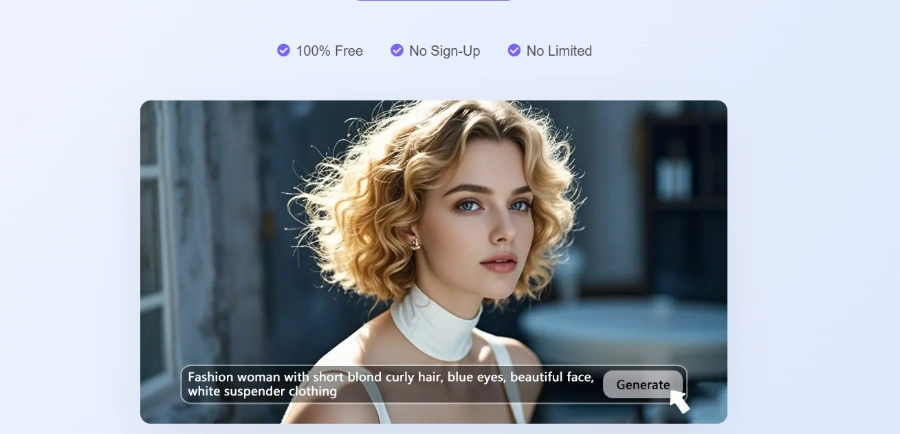
Visro AI
Free online AI platform for image and video creation, offering face swaps, art generation, and photo editing.
Wistia Remix
AI-powered video editor that transforms raw footage into polished, multi-source videos through conversational commands.

LTX 2.5
LTX 2.5 is an all-in-one creative studio for AI video production, designed for creative teams, marketers, and filmmakers.
Translate videos into over 140 languages, enabling global reach and saving significant time on localization efforts.
Translate multiple videos simultaneously into one language or different languages at once, enhancing efficiency for large content libraries.
Accurately clone speakers' voices and synchronize lip movements with the translated audio, ensuring natural and realistic dubbing for each speaker.
Automatically recognizes and differentiates multiple speakers within a video, applying accurate voice cloning and lip-syncing for each individual.
Ensures more accurate and coherent translations by understanding the full context of the video and automatically detecting the source language.
Allows users to fine-tune transcripts, modify translation content, adjust speech speed, and customize subtitle styles (color, font, position) after translation, with real-time preview.
Automatically transcribes content to generate subtitles and can instantly translate them, with options to extract and download original and translated subtitles.
Generates and downloads YouTube transcripts and transcribes YouTube videos to text simply by pasting a video link, without needing to download the video.
Detailed Pricing Info
- Extensive Language Support: Translates videos into over 140 languages, significantly expanding content reach for global audiences.
- Advanced AI Features: Utilizes AI for accurate voice cloning, lip-syncing, multi-speaker recognition, and context understanding, powered by ChatGPT and DeepSeek.
- Cost-Effective Localization: Reduces the need for traditional voice actors and dubbing studios with a free built-in voice library of 300+ voices and AI automation.
- User-Friendly Editing Capabilities: Offers free tools to fine-tune transcripts, modify translations, adjust speech speed, and customize subtitle styles with real-time preview.
- Efficiency and Automation: Provides batch video translation and fully automated localization, saving significant time compared to manual processes.
- Accessibility: Allows users to try the service for free without requiring sign-up or credit card information.
- Lack of explicit pricing details for paid tiers, making it difficult to assess long-term costs or advanced feature availability.
- Limited information on the extent of user control or customization options for the 'Powerful AI Rewrite' feature.
- No direct API access or developer portal is mentioned, which could limit integration possibilities for larger organizations.
What is BlipCut AI Video Translator?
How many languages does BlipCut support for video translation?
Can I try BlipCut for free?
Does BlipCut offer voice cloning and lip-syncing?
Can I edit the translated dialogues and subtitles?
Main Categories
Related Topics
Write a Review
Community Feedback (0)
Ready to try ChatGPT Translate?
GPT for Work
AI agent for Excel and Google Sheets to automate spreadsheet tasks, data cleaning, analysis, formula writing, and content generation.
iLikeIMG
iLikeIMG offers 90+ free AI tools online for photo and video editing, enhancement, and generation without installation.
AI Image Translator
An AI image translator that instantly translates text from images into over 200 languages, offering free, unlimited use without sign-up.
AI Voice Enhancer
AI Voice Enhancer improves speech clarity in audio and video files, offering free online enhancement without login.
AI Video Editor
AI Video Editor is a prompt-based tool for editing video clips with AI, offering features like object removal, product recoloring, and visual style changes.
Visro AI
Free online AI platform for image and video creation, offering face swaps, art generation, and photo editing.
Wistia Remix
AI-powered video editor that transforms raw footage into polished, multi-source videos through conversational commands.
LTX 2.5
LTX 2.5 is an all-in-one creative studio for AI video production, designed for creative teams, marketers, and filmmakers.